
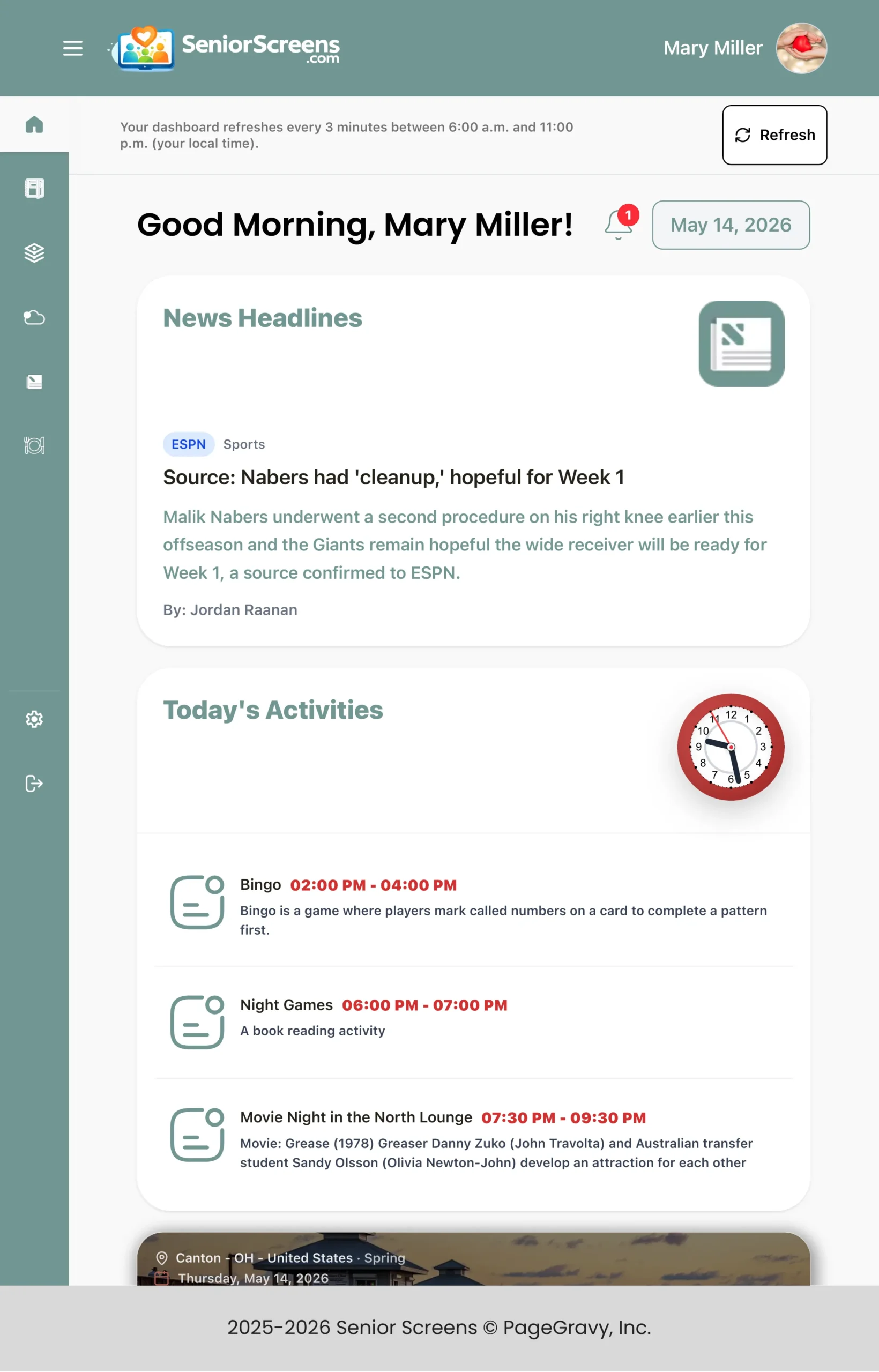
See how SeniorScreens works on an iPad.
SeniorScreens starts with the facility admin. Staff update activities, menus, notices, and daily details in one place, then the resident pages do the rest across phones, tablets, computers, and facility screens.
Built for the way senior living really works
SeniorScreens is more than a digital dashboard. It was shaped by years of hands-on exposure to the nursing home industry, where communication problems often start small but quickly affect residents, families, and staff.
Admin Updates Once
The facility admin can update activities, meals, special notices, and daily information from the backend. Then SeniorScreens publishes those updates to the resident-facing pages.
Resident News Choices
Residents can choose the kind of news they want to see each day, so the dashboard feels less like a bulletin board and more like a useful daily companion.
Industry-Specific Details
SeniorScreens includes small but important touches for senior care, such as clearer daily updates, easier access to changing schedules, and less confusion around meals and activities.
We built SeniorScreens around the problems facilities actually face.
Growing up around the nursing home industry made the daily communication challenges easy to understand. A changed menu, a moved activity, or a canceled event can create frustration when residents do not find out until they have already made the trip.
That is why SeniorScreens focuses on simple updates, clear resident pages, and fewer unnecessary steps for staff.
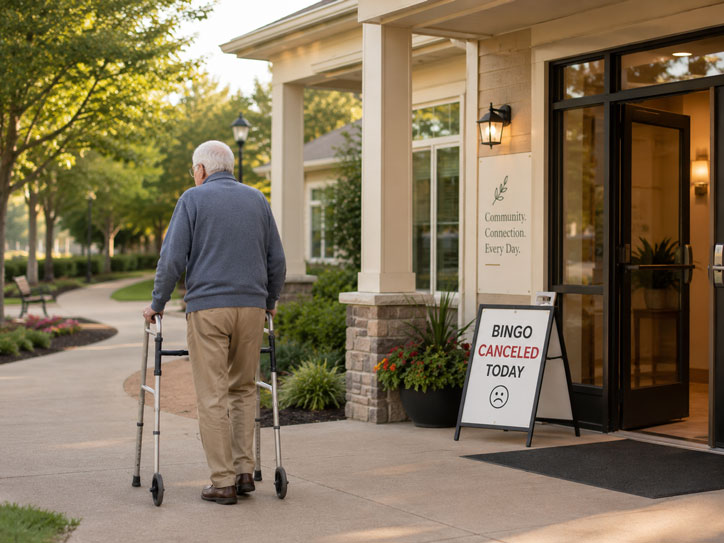
The Turnaround Trek
The Turnaround Trek happens when a resident heads across a building or campus for an activity, only to discover the activity changed, moved, or ended. SeniorScreens helps reduce that problem by giving residents a place to check current updates before they go.
Read the Turnaround Trek blog postThe resident area rotates inside the iPad
Visitors can watch the SeniorScreens user area move through the main screens, or they can click a section to review it directly.
- ✓Show the SeniorScreens user area without sending visitors to a separate app screen.
- ✓Keep the full page responsive while the iPad preview scales with the screen.
- ✓Let visitors view Home, Activities, Games, Weather, News, and Meals.
Want to show this with your real community updates?
SeniorScreens can help residents see menus, activities, weather, news, and daily updates from one simple user area.